Curating knowledge
AI knowledge management: the step most teams skip
Organizing knowledge is the foundation, not the finish line. A well-tagged document in a searchable knowledge base is useful.

Ryan Macpherson
Editor:
Stephanie Chan
According to the Survey on Enterprise Information Discovery, 70% of enterprise leaders report that employees spend over an hour searching for a single piece of information, and nearly a quarter say that the search takes more than five hours.
That's the gap AI knowledge management was built to close. Using machine learning, natural language processing, and generative AI, it captures, organizes, and surfaces your company's collective knowledge at scale.
But here's what most guides skip: organized knowledge isn't the same as transferred knowledge. A well-tagged document doesn't upskill anyone.
This article covers:
What AI knowledge management actually is and how it works
Key capabilities that make it worth the investment
Real-world examples across teams
How to turn that organized knowledge into interactive training that people actually complete
What is AI knowledge management?
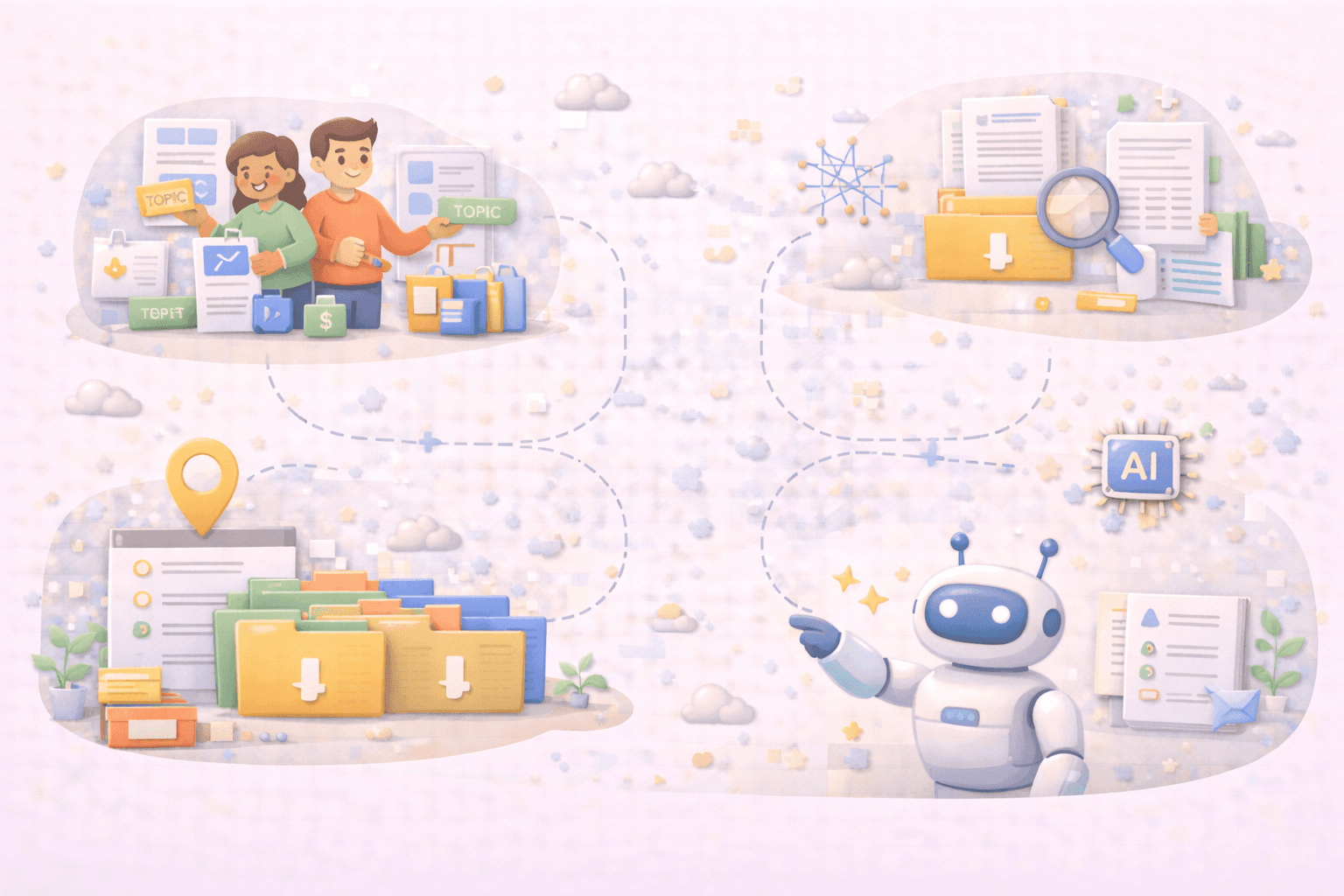
Traditional knowledge management systems relied on humans to tag, sort, and maintain information. Someone had to decide what got saved, where it lived, and how it was labeled. That worked, until the volume of organizational knowledge outgrew the people managing it.
AI knowledge management uses artificial intelligence to do that work automatically:
Natural language processing helps AI read and interpret human language, not just keywords
Machine learning allows systems to improve over time, learning what's useful and what isn't
Generative AI can summarize, rewrite, and restructure unstructured data into something searchable and usable
The result is a knowledge management system that doesn't just store what your team knows. It actively helps people find and use relevant knowledge when they need it.
Think of it as the difference between a library with no catalog and one with a smart librarian who already knows what you're looking for.
For a deeper look at how this fits into a broader strategy, this guide to knowledge management strategy is a solid starting point.
Key aspects of AI knowledge management
AI-powered knowledge management platforms store information better and change how organizations interact with what they know. Here are the capabilities that make the biggest difference.
Intelligent content summarization
Most organizations are drowning in long documents, dense reports, and meeting transcripts nobody has time to read. AI systems cut through that noise by automatically summarizing relevant content into digestible outputs.
Lengthy policy documents get condensed into clear, scannable summaries
Meeting recordings become structured action points
Complex technical guides get rewritten for different audience levels
Less time spent reading everything. More time spent using what matters.
Automated knowledge base generation
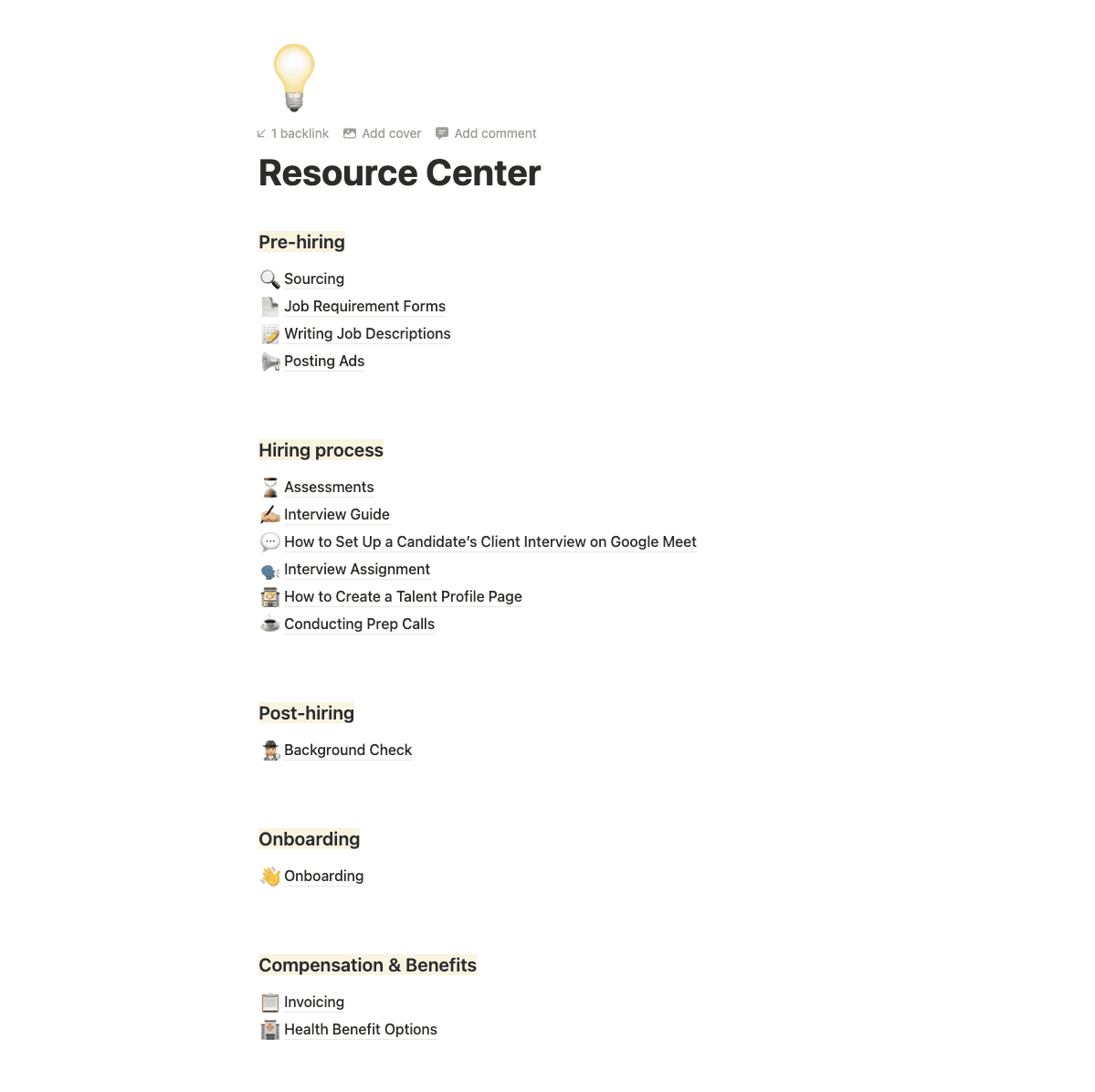
Building a robust knowledge base used to mean hours of manual work. AI can analyze documents, emails, and internal files and automatically structure them into a searchable, organized system.
Flags outdated content and surfaces updated versions
Tags and categorizes knowledge assets without human input
Connects related content across departments so nothing stays siloed
The knowledge was already there. AI just makes it findable.
Intelligent search and retrieval
Traditional search expects you to know exactly what you're looking for. AI-powered search understands what you mean.
Semantic search interprets intent, not just keywords
Relevant answers surface even when the exact phrasing doesn't match
Knowledge retrieval improves over time based on what people actually use
One practical example: an employee types "what do I do if a customer asks for a refund?" and gets the right process instantly, rather than three pages of loosely related results.
Continuous learning
AI-driven knowledge management systems don't stay static. They learn from user interactions (what gets searched, what gets clicked, what goes ignored) and refine results over time.
Historical data helps the system identify knowledge gaps before they become problems
Predictive insights flag content that may be outdated or underused
Employee productivity improves as the system gets smarter with use
Over time, the system builds a clearer picture of your organization's knowledge and where it's missing.
AI knowledge management examples
The best way to understand AI knowledge management is to see it in action.
HR teams

For example, a talent agency uses Notion AI to automatically recreate talent profiles using Notion AI. One original Notion page with the original structure and data is created.
Whenever a new talent is added, a recruiter just provides this prompt:
“Create a new talent profile for [name of the talent] with these details [pasted details from resume].
Notion AI will automatically build the page with the same structure and write on-brand descriptions. It saves hours of manual work.
Once the database is updated with new talent, a recruiter can easily ask the AI in the chat which talent is best suited to the new position, without having to manually review all the profiles.
Sales teams
A sales rep at a SaaS company uses Notion AI to prepare for a call with a mid-market fintech prospect. Instead of pinging the enablement team, they type directly into the workspace:
"What's our competitive positioning against [competitor] for mid-market fintech clients?"
Notion AI pulls a synthesized answer from battle cards, past deal notes, and product docs stored across the workspace in seconds. The rep walks into the call prepared, without pulling anyone else into the process.
Onboarding
A new hire's first question on day one: "What's our expense reimbursement policy?" Instead of waiting on a Slack reply that may take hours, they ask Notion AI directly:
"What's the process for submitting expense claims?"
It pulls the answer from the HR wiki, links the relevant page, and flags that the policy was updated last month so they're working from the correct version immediately.
For more on how knowledge sharing supports teams day-to-day, this overview of knowledge sharing is worth a read.
How to turn knowledge into interactive training with Coassemble
Every example in the previous section shares the same ending: the knowledge was found. But found isn't the same as learned.
Coassemble is a knowledge transfer platform that transforms existing documents into interactive, branded training in minutes. Upload what already lives in your knowledge base, and the AI structures it into a course complete with quizzes, progress tracking, and flexible delivery options.
Here's how it works:
Open the course builder
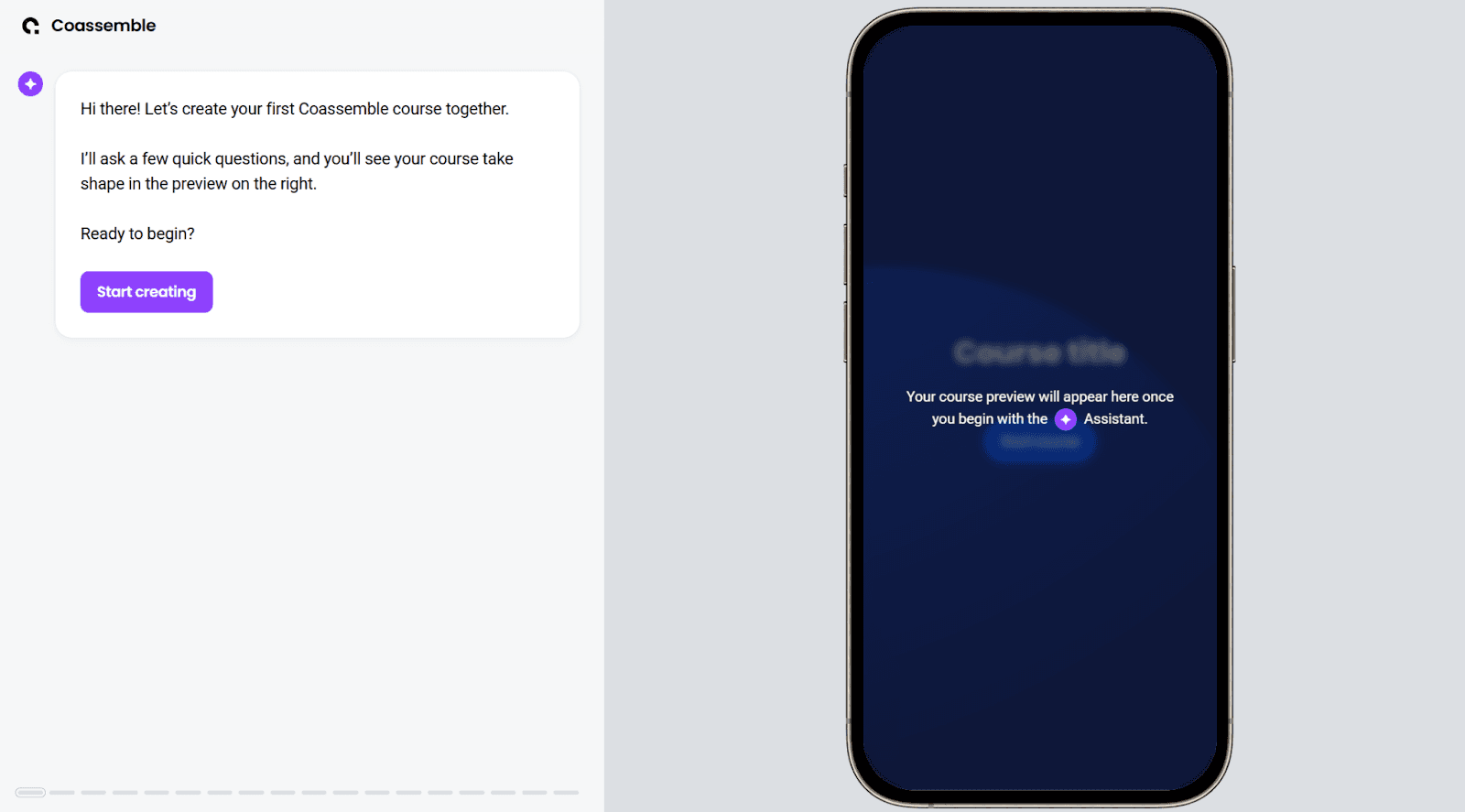
Launch Coassemble’s course builder and select Start creating.
Upload existing content
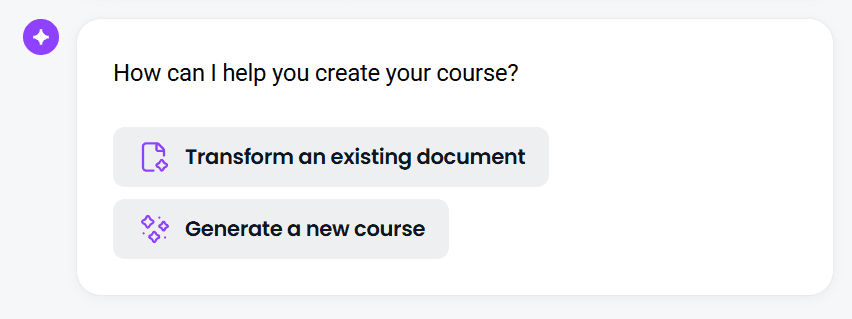
Choose Transform an existing document. This restructures your content for online learning, adds interactivity, and shapes it so it actually works on screen.
Set the direction
A short series of prompts helps the AI understand what you need. Your answers determine the tone, depth, and focus of the final output.
Review the generated course
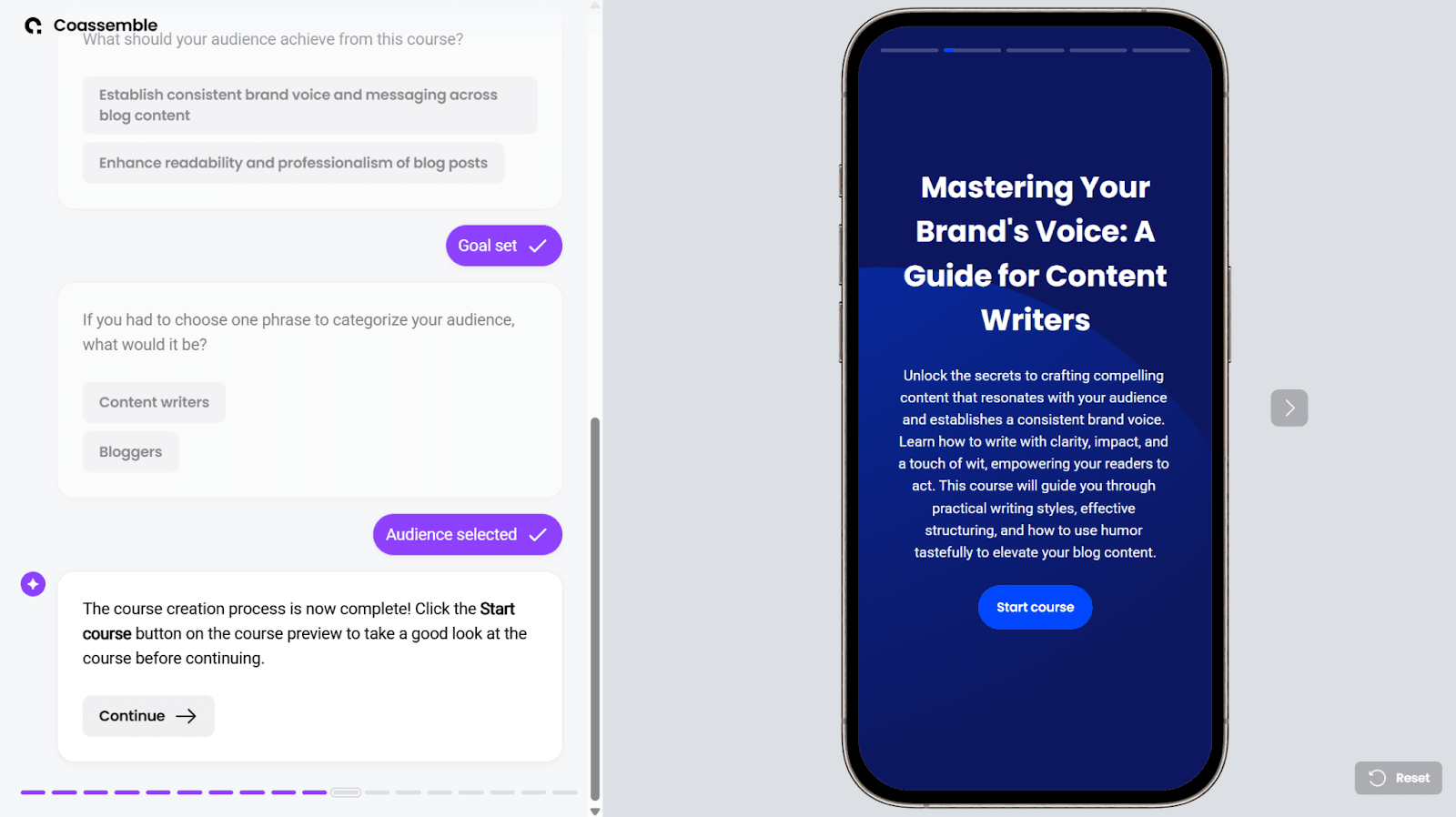
A full course draft is ready in seconds. Work through each lesson, check for accuracy and flow, then select Continue to move forward.
Share training where work happens
Fine-tune before you publish: add an assessment, apply your brand colors, or move straight to delivery. How you share it is up to you:
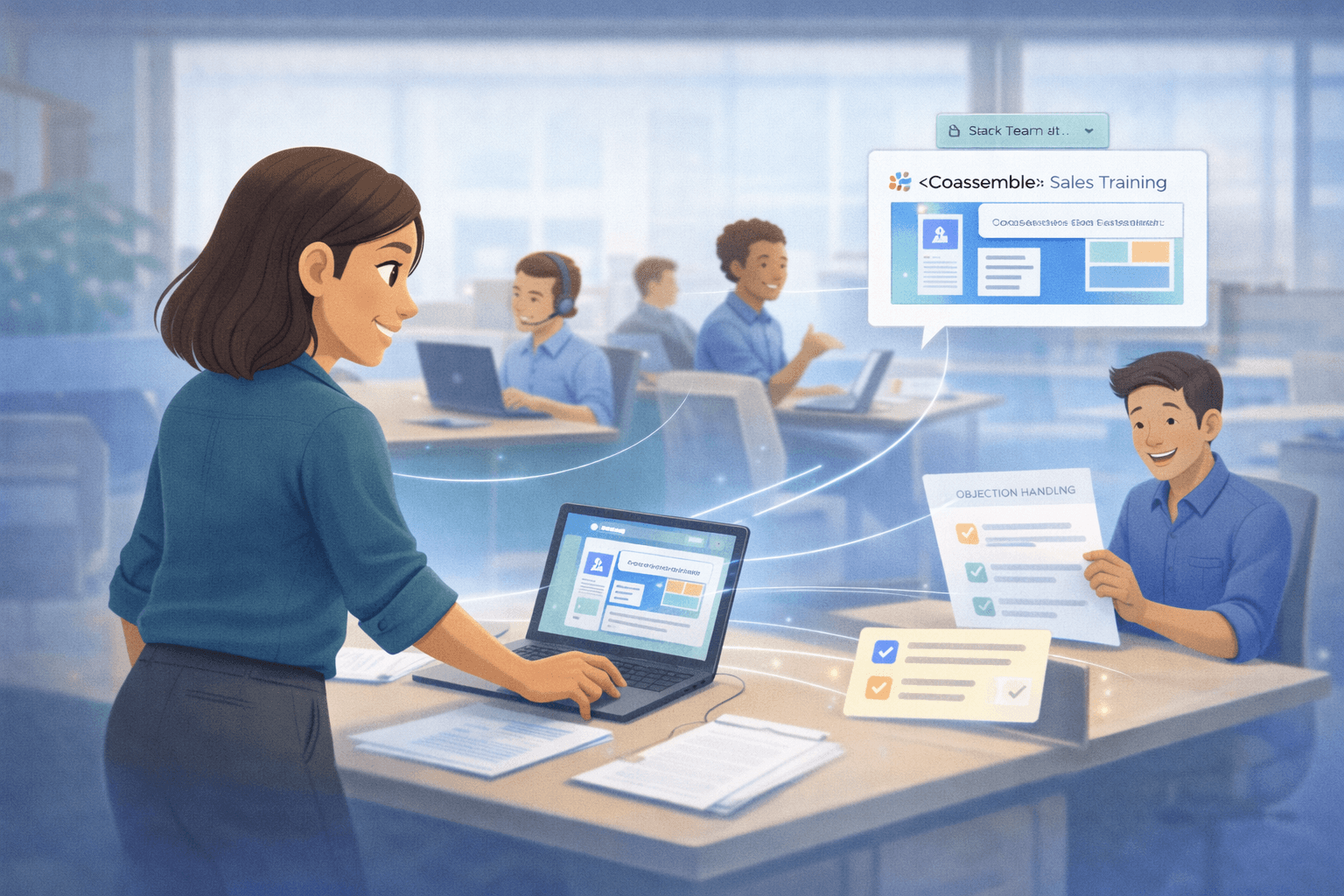
Drop a link into your Slack channel
Send it directly to specific team members via email
Export as SCORM and deliver it through your existing LMS
Embed it in your existing platform so it lives where your team already works
Save, track, and improve
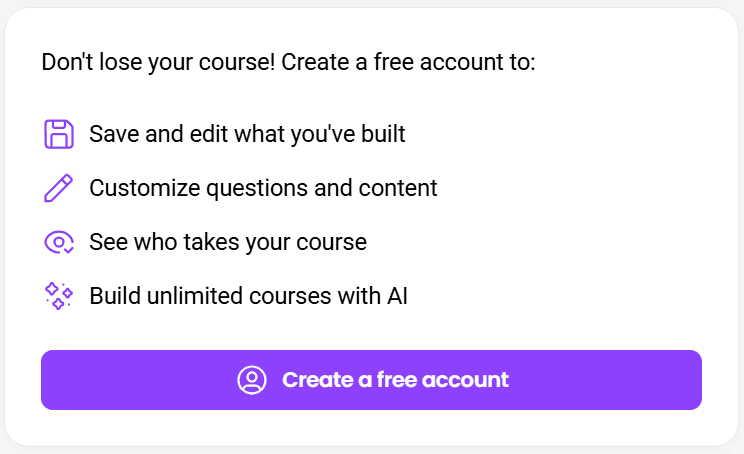
Create a free account to preserve your work and keep it editable. Track who's completed the training, how they performed, and where understanding breaks down. When processes shift, update the course, and the changes push through immediately.
Coassemble doesn't replace your tech stack. It plugs into the LMS you already use, or works standalone if you don't have one. The knowledge was already there. Now it moves.
Wrapping up
AI knowledge management is a genuine step forward for how organizations handle what they know. Less time spent searching. Fewer knowledge gaps. Relevant information reaching the right people faster.
But there's a second half to that story most teams haven't acted on yet.
Organizing knowledge is the foundation, not the finish line. A well-tagged document in a searchable knowledge base is useful. A structured, interactive training course built from that same document is transformational. One gets filed. The other gets learned.
The organizations pulling ahead aren't just investing in smarter knowledge management systems. It's one of the clearest learning and development trends reshaping how organizations build capability, closing the gap between knowledge stored and knowledge transferred
Your team already has the knowledge. AI can surface it. Coassemble can move it. Start today for free.
FAQs on AI knowledge management
What is AI in knowledge management?
AI in knowledge management uses machine learning and natural language processing to automatically capture, organize, and surface organizational knowledge. This makes relevant information faster to find and easier to use.
How is AI changing knowledge management?
AI removes the manual work of tagging and maintaining content. It learns from user behavior, improves search results over time, and helps teams identify knowledge gaps before they slow people down.
What's the difference between a knowledge base and AI knowledge management?
A knowledge base stores information. AI knowledge management actively organizes, surfaces, and improves that content. It uses machine learning to make retrieval smarter and more relevant over time.
Can AI knowledge management replace L&D?
No. AI organizes and surfaces existing knowledge efficiently. Turning that knowledge into structured, trackable training still requires intentional design. AI supports that process; it doesn't replace the people behind it.
How do teams turn existing documents into training?
Upload a document into Coassemble, and the AI structures it into a ready-to-share interactive training course. No rebuild required. Export it as SCORM or share it directly in Slack or Teams.
Read More
Join the knowledge revolution today
Unlock knowledge. Boost engagement. Drive results
No credit card required

Join the knowledge revolution today
Unlock knowledge. Boost engagement. Drive results
No credit card required
Join the knowledge revolution today
Unlock knowledge. Boost engagement. Drive results
No credit card required